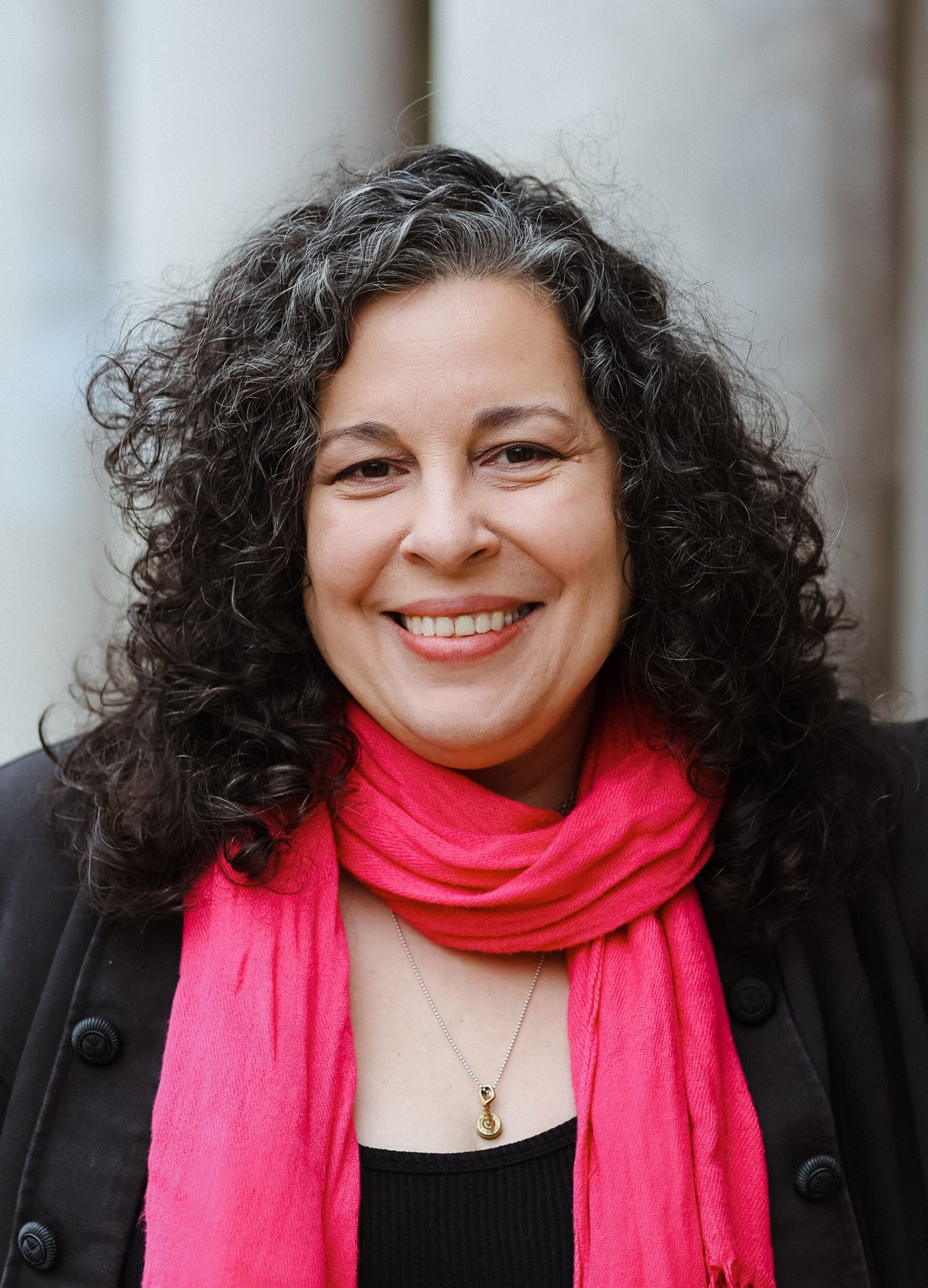
Dave Shaw
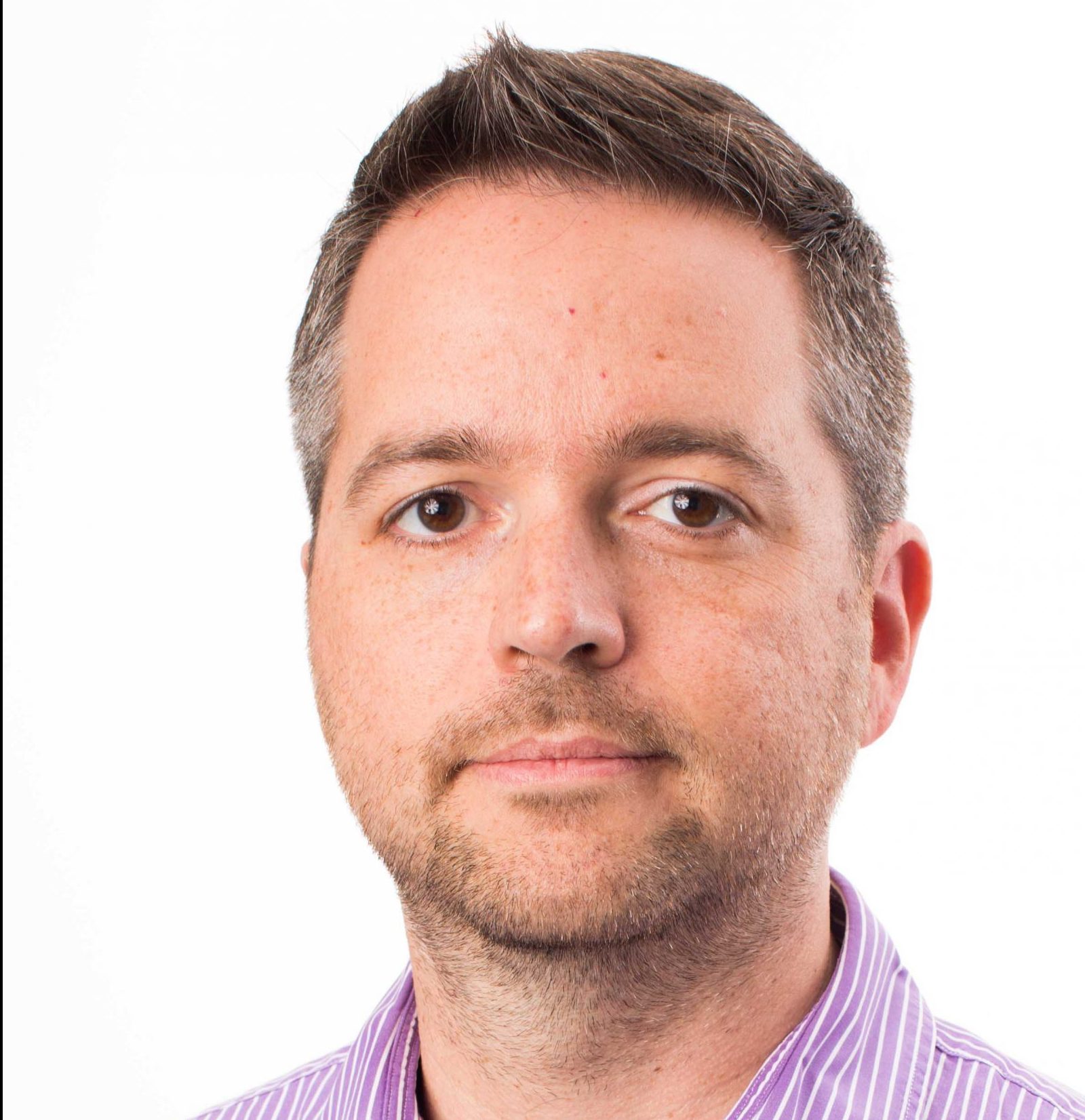
Using AI in Journalism Research
10/05/2026 @ 12:00pm-1:30pm EST
Artificial intelligence and large language models offer great upside to reporters and producers who want to make their research and...
Class 1: Thursday, July 30th
Session one will provide an overview of Premiere Pro Basics. Instructor Pierre Kattar will start at the foundation. He’ll walk you through file naming conventions, setting scratch disks, file management, and explain how to set up your Premiere Pro projects.
He’ll also cover best practices for using the Adobe Premiere interface. You’ll learn to import footage and to edit on a timeline. This is where you’ll build real fluency in Premiere — learning the shortcuts, tools, and good habits. By the time you leave session one, you’ll be comfortable with Premiere’s different layouts and understand when to use each one.
Class 2: Thursday, August 6th
Recording a podcast almost always means multiple sources — a host track, a guest track, and maybe a separate audio feed. In this second session, Pierre will lead you through multicam editing. You’ll learn how to sync and manage tracks, cut between them cleanly, and shape a conversation into something tight, listenable, and well-paced. He’ll also focus on making vertical social clips with burned-in captions. If there’s time, he’ll touch on color correction.
Along the way, Pierre will step back from the software and talk about editing as a craft — when to cut, how to think about pacing and flow, and what makes an edit feel effortless to the audience.
PREREQUISITES
Prior to the start of class, you must:
– Have Adobe Premiere Pro version 26.0 or higher installed on your computer.
– Open Adobe Premiere at least once to make sure the program starts up in good order.
– Download the footage shared for the class (link provided after you sign up for the class)
*This class is capped at 17
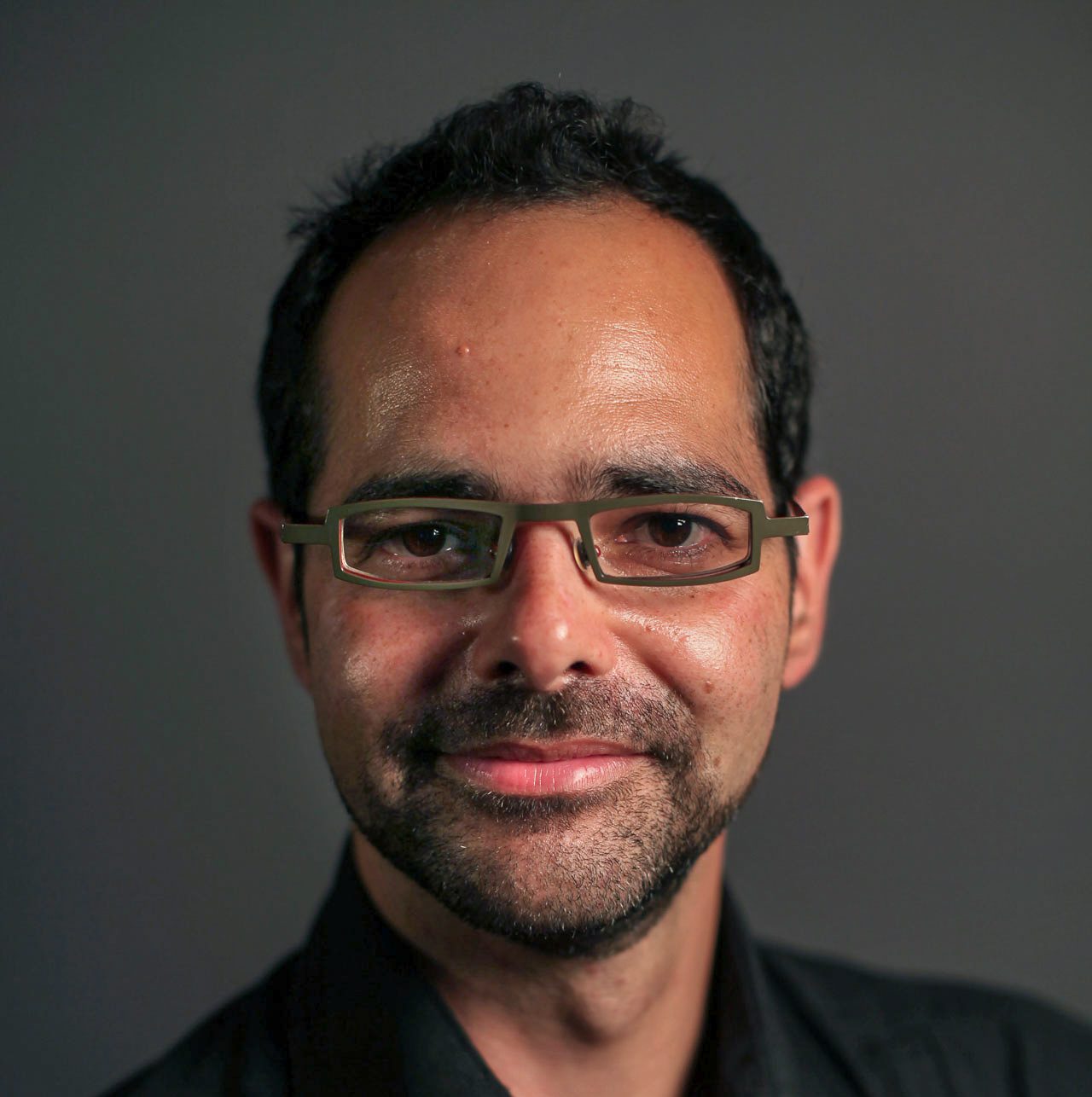
Pierre Kattar is an Emmy Award-winning video journalist and documentary filmmaker whose work has taken him from the streets of Paris during the Charlie Hebdo attacks to Libya's secret migrant prisons, Barack Obama's first presidential campaign, a Hepatitis E epidemic in Nepal, and Rome, Italy, where the Black Lives Matter movement reverberated across the Atlantic. His stories have aired on public television, screened at film festivals, and been exhibited at the 2025 Venice Biennale and the Philadelphia Art Museum. His clients include The New York Times, NPR, PBS, and The World Bank.
Pierre has taught Adobe Premiere Pro bootcamps at NPR and the City University of New York (CUNY), and served as an associate professor of video journalism at Northwestern University's Medill School of Journalism in Washington, D.C.